
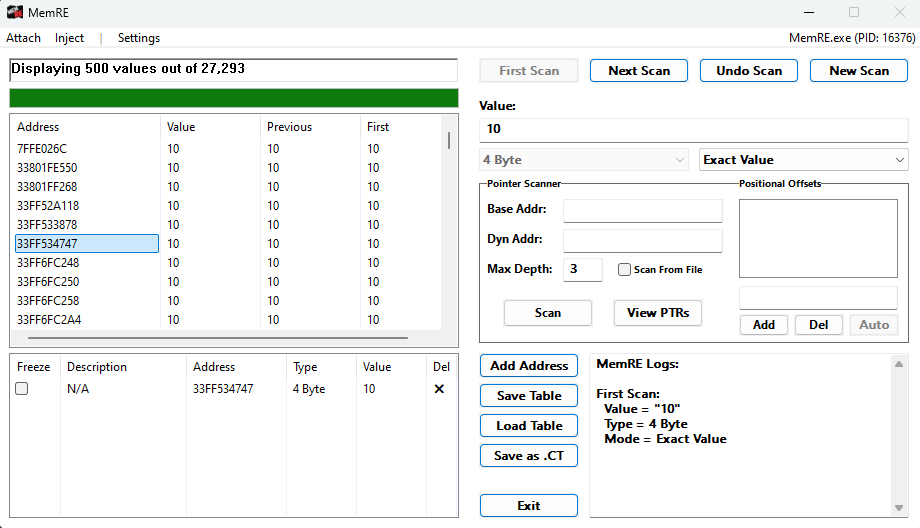
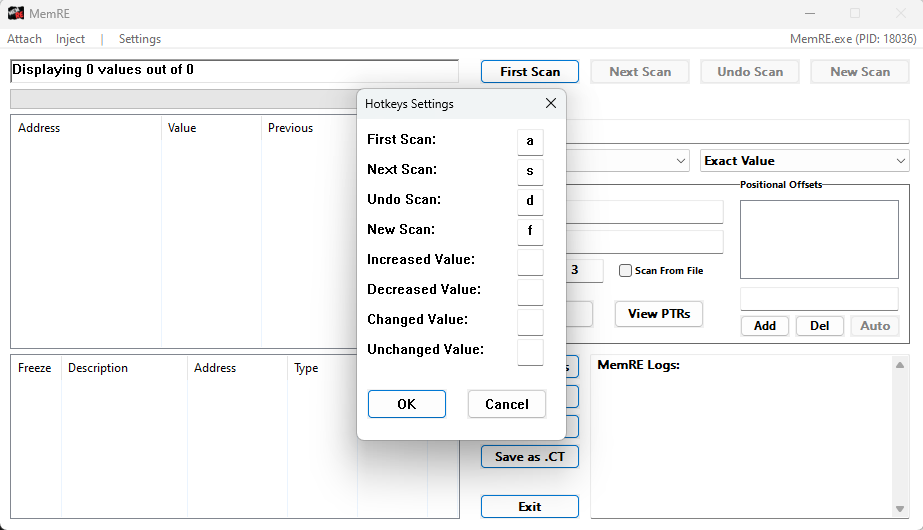
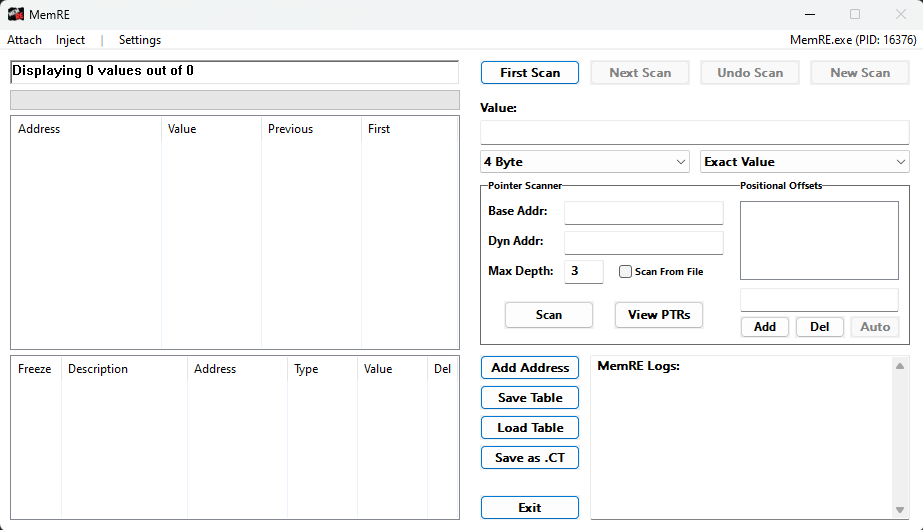
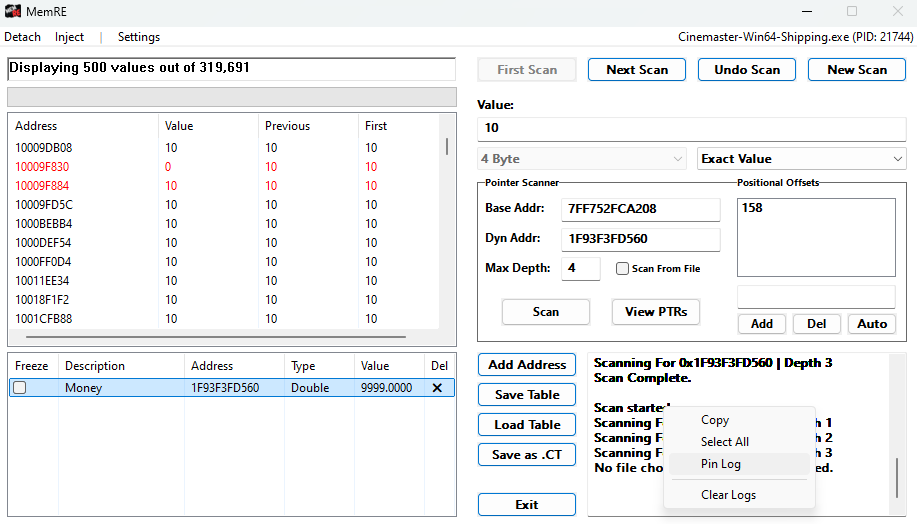
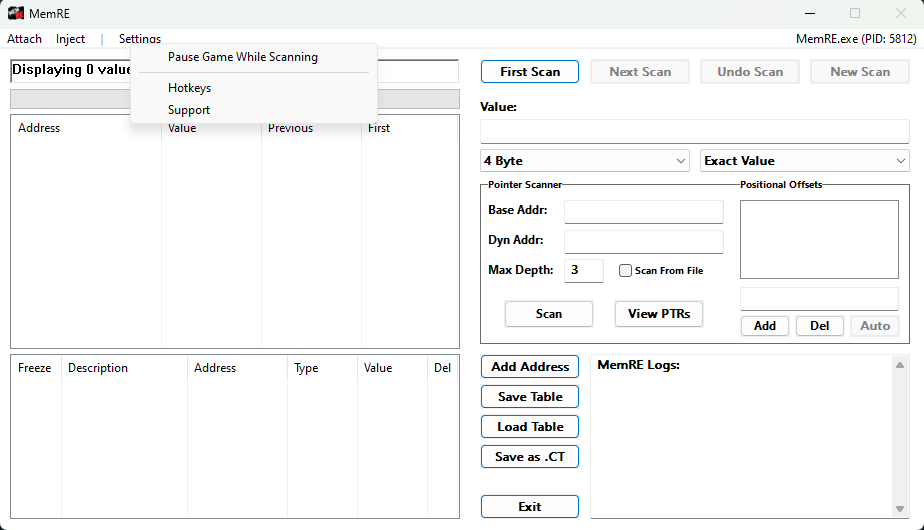
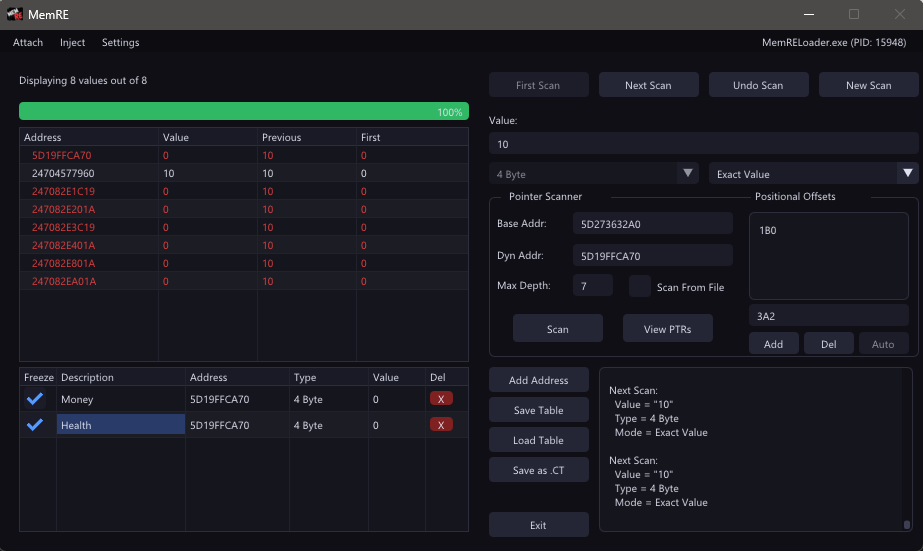
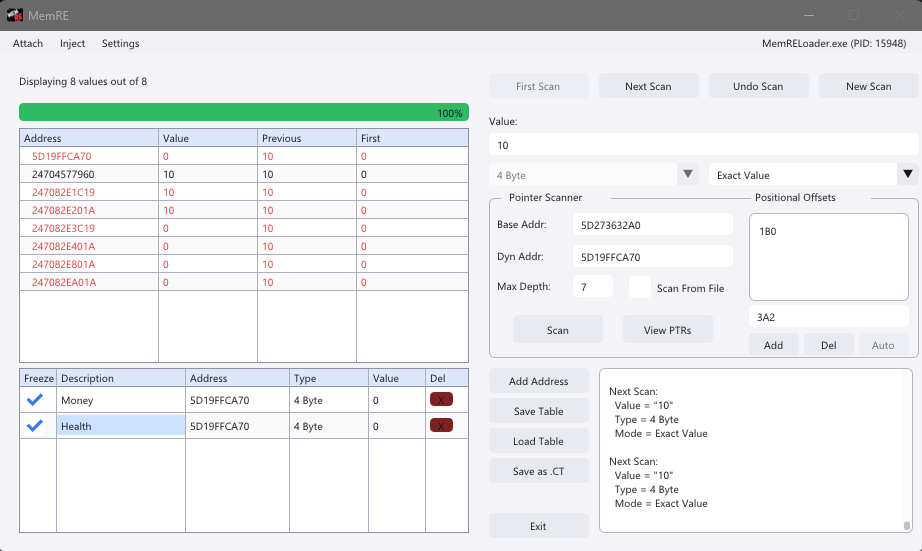
MemRE is a lightweight Windows memory editor you can inject (or attach) into any running process to take control of in-application values. Guided “First Scan” & “Next Scan” workflows help you pinpoint addresses in seconds, while built-in pointer scanning (including Unreal Engine’s GWorld) resolves dynamic offsets for you. Customize hotkeys, monitor real-time logs, and export with one click to Cheat Engine (.CT) or our native table format.

Launched May 29 2025 (Early Access).
Found a bug or have feedback? Join us on Discord!

Discord Nightly

Latest

v1.5.3

• Added: Community driven Unreal Engine sigs.

• Added: Dark Mode


• Fixed: Hotkeys from completely taking over making it impossible to pass the set hotkey though any other process.


• Changed: The "Pause Game While Scanning" to a kernel‐driven suspend/resume API that won’t deadlock Unreal/ACE mutexes.


• Started: Plugin support.


I've been restructuring the code to support bigger updates for the past year. This will be released on Github as 2.0.0. I will also be adding a variant of MemRE with Dear ImGui. Depending on how heavy it becomes, this may take the place of the Win32 Gui

GitHub Releases

Stable

v1.4.2

• Added: More Unreal Engine Support.


• Added: Pause game while scanning.

- Pause game while scanning located in the settings menu. While enabled, MemRE suspends the process until scanning is complete.


• Started: Implementation of hotkeys.

- Currently only numbers and letters are supported, I want to ensure functionality before proceeding with special charters ([ ] \ ' ; ') and Function keys.


• Fixed: Value box not unlocking after "New Scan" is triggered

v1.3.1

• Added: More Unreal Engine compatibility support, Menu Settings for Hotkeys (coming soon), and Pin Logs.


You can now “pin” your logs (bookmark) at any point by right-clicking the log window and selecting “Pin Logs”. This will save the current logs so nothing will be deleted from the point of a Pin. Clearing the logs will reset the pin(s), and you can stack pins if more information is logged you’d like to keep.

v1.2.1

• Added: "Changed Value" option to scan parameters.


• Reconfigured: Search options to match the corresponding searches being preformed. Also, 4 Bytes and Exact Value is now the "New Scan" defaults.

v1.1.1

• Fixed: the issue where scanning "Bigger Than", "Smaller Than", and "Unknown Initial Value" could crashed do to no safeguards.


• Added: Marquee while pointer scanner is running.


• Added: "Value Between" option to scan parameters.


Formatting: Number-Number


10-25 will show results for addresses that hold numbers 10 through 25 in 1-8 Bytes

10.1-10.5 will show results for addresses that hold numbers 10.1 through 10.5 in Double/Float

v1.0.1

• Fixed: "Unknown Initial Value" scan.


• Fixed: "Bigger Than" and "Smaller Than"


--Note: When scanning "Bigger Than", "Smaller Than", and "Unknown Initial Value", MemRE will get A LOT of results. If you scan with these and it doesn't seem like MemRE is doing anything, its because its processing in the background. I need to add indicators and safe guards for this, but just know this is a bug and if you start clicking around, MemRE will crash.


Refactored code in preparation of file splitting

Documents

Building MemRE

To compile MemRE (and its Launcher), follow these steps:


1) Install Requirements

  • Visual Studio (any edition with C++ support).


2) Download the Source

  • Go to the MemRE GitHub page: MemREs GitHub.
  • Click the green Code button and Download ZIP.


3) Prepare the Solution

  • Extract the ZIP archive.
  • Open the extracted folder and double-click MemRE.sln to launch it in Visual Studio.


4) Configure & Build

  • In Visual Studio’s toolbar, set the solution configuration to x64 and Release.
  • From the menu, choose Build → Build Solution (or press Ctrl+Shift+B).


5) Locate the Output

  • After a successful build, you’ll find MemRE.dll in

<repo>\x64\Release\.


6) Build the Launcher

  • Repeat steps 3–5 using the MemRELoader.sln in the launchers repository.
  • Its output will also appear under <repo>\x64\Release\ as MemRELoader.exe.


(Or download both Here)

Plugins

Coming soon…